Improver
You have the basics. These are the changes that made the biggest difference, in the order they matter.
For your DWARF 3. Change scope
1. EQ mode first, then the target
In Alt-Az mode the Dwarf follows the sky by turning on two axes, so the picture slowly rotates through the night. On one 4 hour run on the Heart Nebula the field turned 75 degrees, and only the part of the sky every frame covered survived the stack. About a third of the frame was lost.
EQ mode tilts the Dwarf to point at the Pole Star, so it follows the sky on one axis and the picture does not turn. It also allows longer exposures.
Use EQ mode for every nebula, and for any long run on one target. For the Moon, the planets or a quick first night, Alt-Az is fine.
Setting up EQ mode, step by step
These are the steps on a DWARF 3. You need the tripod: a head that tilts and locks firmly makes it easy (see Accessories).
- Dwarf on its tripod, on firm ground, and level it with the bubble.
- Point the back of the Dwarf, the side without the DWARF logo, at north, so the logo faces you when you stand south of it. A compass app is fine.
- Go into Astro mode and press autofocus first.
- Tap the three dots in a circle, on the left of the screen, halfway down.
- Choose EQ Mode and follow the steps on screen. It shows you how to tilt and turn the tripod head to your latitude: about 50 degrees in Cornwall, 52 to 53 in the Midlands, 55 to 58 in Scotland.
- Get the deviation it shows to 1.0 degree or less. It will accept up to 4, but 1.0 is better for long runs.
- Tap Got It. A small EQ sign appears on the screen: that is how you know it worked.
- Only now search for your target and press go. Then do not knock the tripod.
2. Set it by hand: 15 seconds, gain 70
One setting for nearly every deep sky target. Fifteen seconds trails least: on M27 it kept 95 percent of the frames. And one setting means one set of darks covers the whole night, so only the filter changes between targets.
In EQ mode you can go longer. See Expert.
3. The right filter
| Target | Filter | Why |
|---|---|---|
| Galaxies, star clusters | Astro | They give out light across the whole spectrum. Duo-Band throws nearly all of it away. M31 on Duo-Band is a wasted night. |
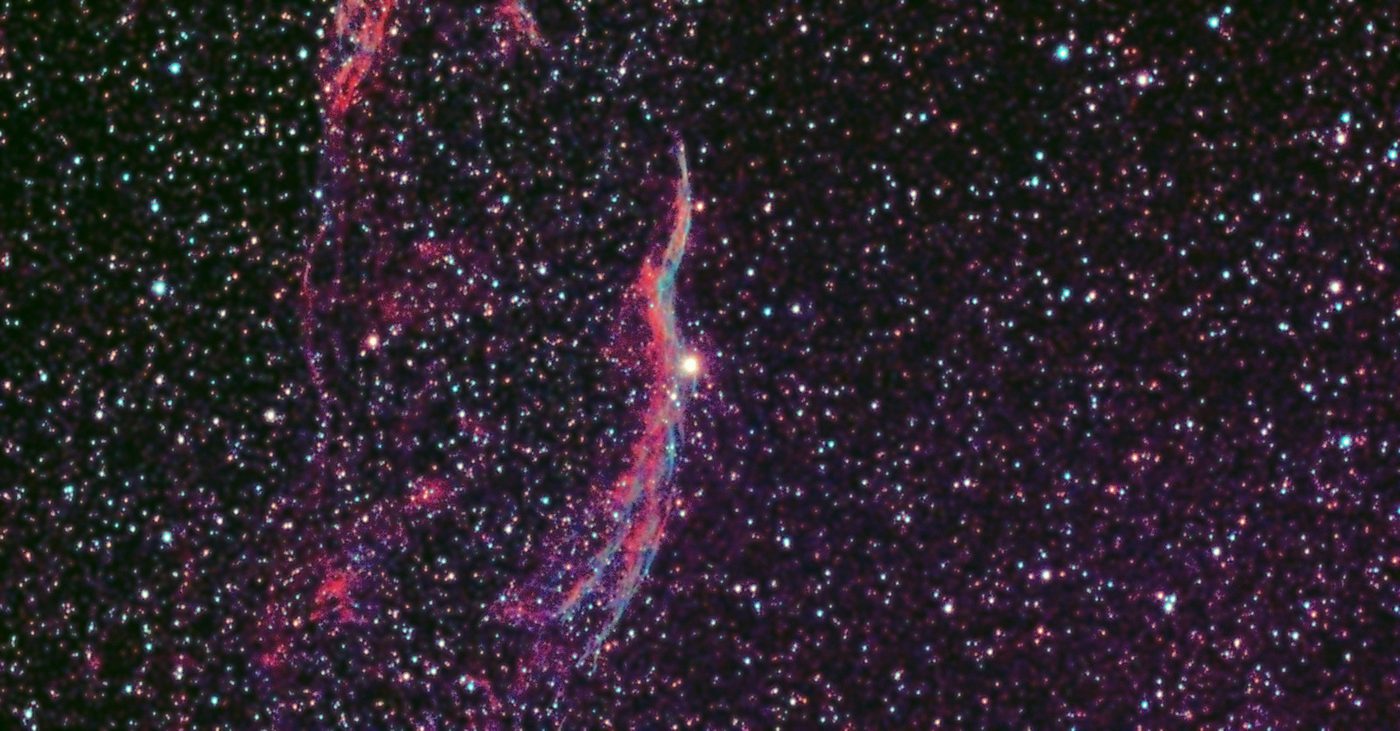
| Glowing nebulae: Heart, California, North America, Wizard, Dumbbell | Duo-Band | It lets through the hydrogen and oxygen glow and blocks most of the Moon and street lights. |
| The Moon, the Sun with the solar filter on | No filter | Autofocus sets it for you. |
A bright Moon barely hurts a Duo-Band nebula. So on a moonlit evening shoot a nebula, and save galaxies for when the Moon is down.
4. How many frames
Each 15 second frame takes about 21 seconds with saving. It writes every frame as it goes, so stopping early never loses what is done.
5. One target a night
One long run beats four short ones. A target with ten minutes on it never looks like much: M52 got ten minutes on one night and was not worth using. Frames from different nights stack together, so the same target on two or three nights makes the best picture.
6. Darks, at the end of the night
- Take them at the end. Darks only subtract properly when exposure, gain and sensor temperature all match, and the sensor cools through the night.
- Ten at the same exposure and gain as the night, with the lens turned down into the body so no light gets in.
- The Dwarf's own darks only clean the picture on its screen. The saved FITS files still have the dark signal in them. If you stack on a PC, take your own.
7. Start at full dark
Frames in twilight cost more than they give. On one night the 36 twilight frames added 4 percent more light and 73 percent more noise. Check when it is fully dark on Tonight's plan and start then.
8. Back up every night or two
Three nights on one target at 15 seconds is nearly 1,500 frames, about 25 GB. The Dwarf holds about 110 GB. How to copy them to a PC.
Ready for more? Expert covers 60 seconds, mosaics and stacking on a PC.